LTX-2.5 · MiniMax H3
Video
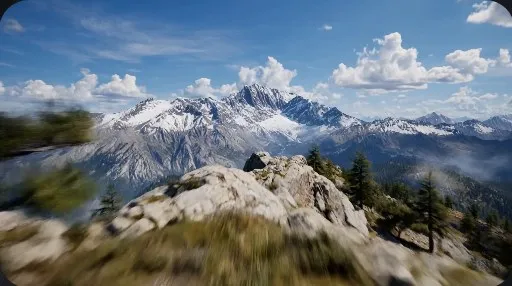
From text alone, from a single photo, from reference images, with first and last frames you set, or as a continuation of a clip you already made.
Snowpea Studio
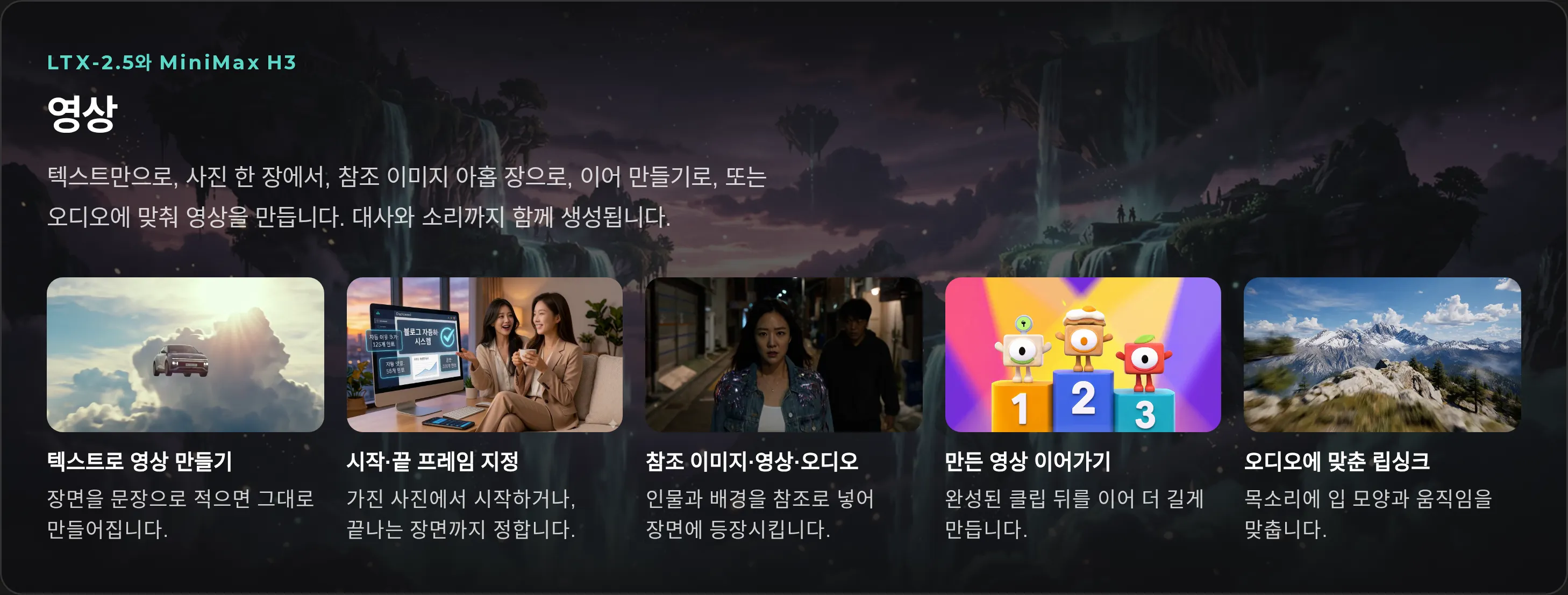
Generate video, images, voice and music from a single line, then edit on a timeline, polish subtitles and audio, and hand the next step to an AI agent.
Create
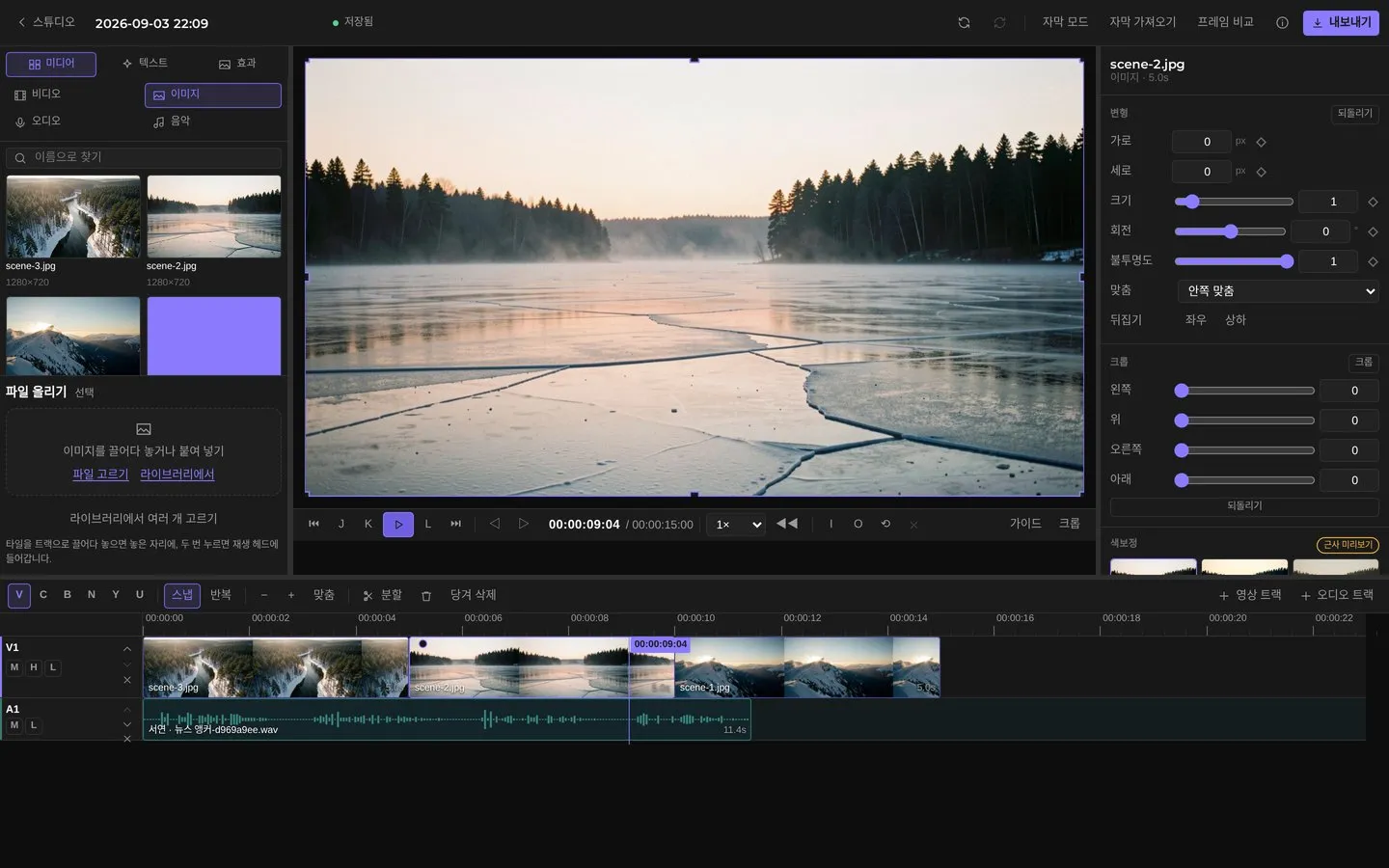
Video, images, voice, music. Describe what you want to see and hear.
LTX-2.5 · MiniMax H3
From text alone, from a single photo, from reference images, with first and last frames you set, or as a continuation of a clip you already made.
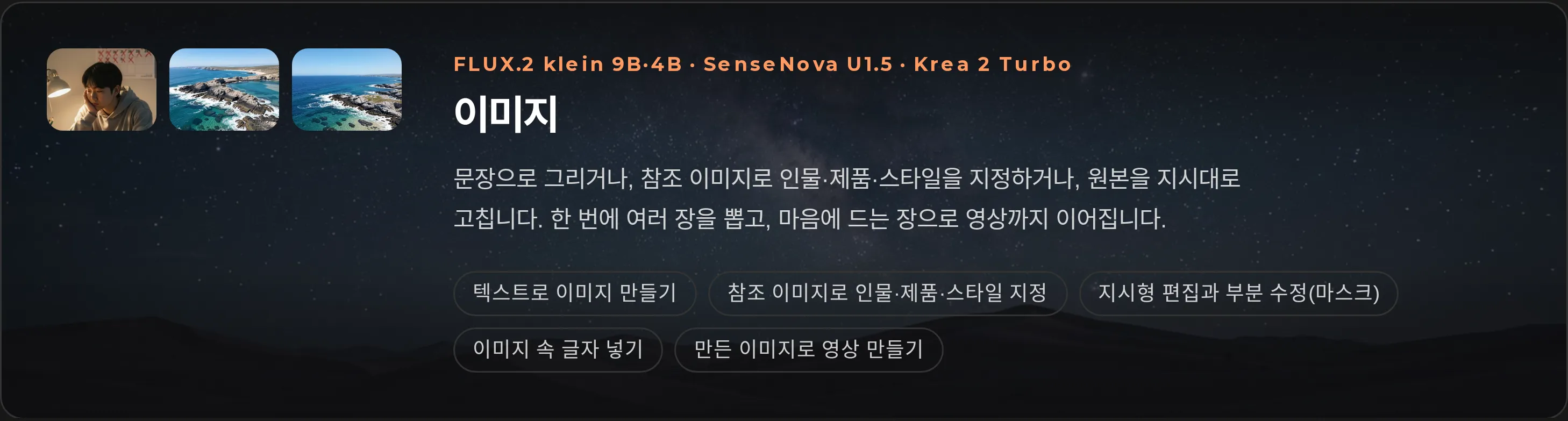
FLUX.2 Klein · SenseNova U1.5 · Krea 2 Turbo
Make start frames and character references for your scenes.
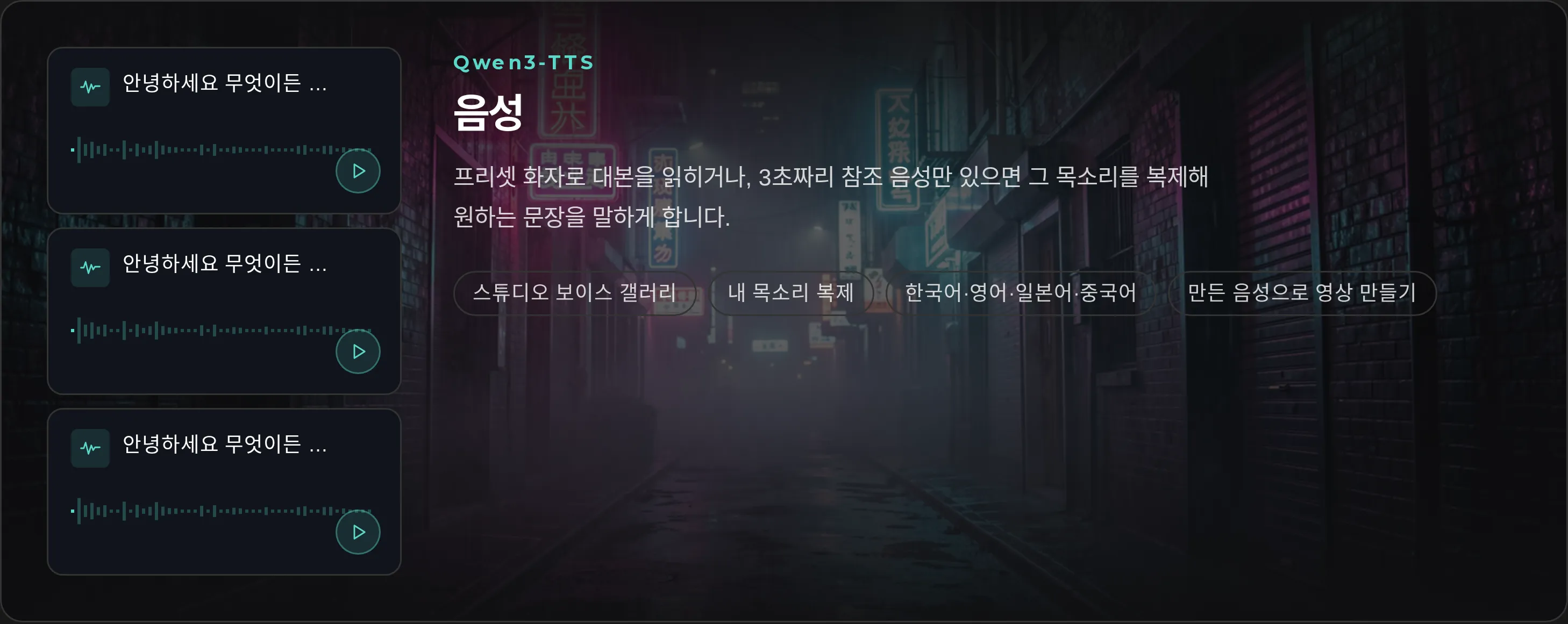
Qwen3-TTS
Read a script with a preset speaker, or clone a voice from a short reference clip.
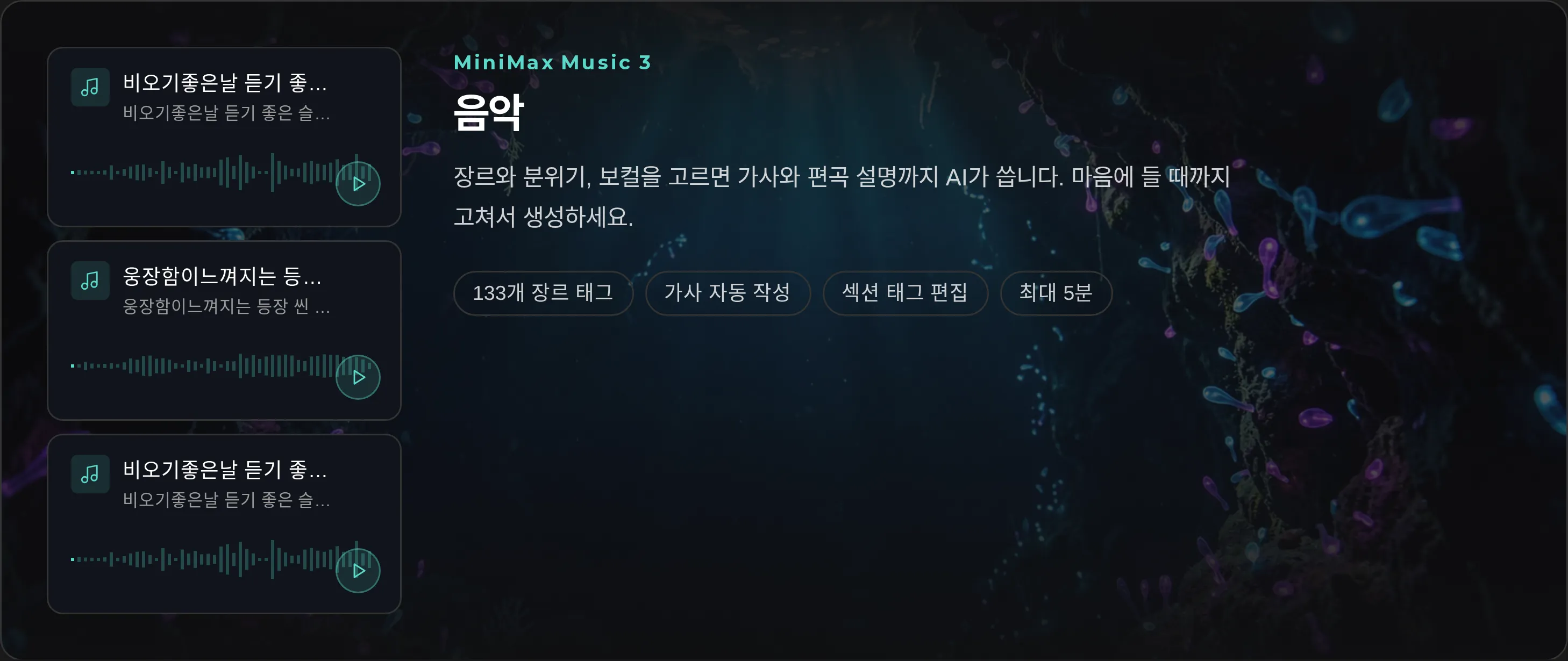
MiniMax Music 3
Describe the mood and get music that fits the scene.
Core Features
No more moving files around. Make it, fix it and manage it inside a single project.
Type a prompt and get video that carries your mood, characters, setting and style.
Start from a frame or a reference image and keep your characters and look across scenes.
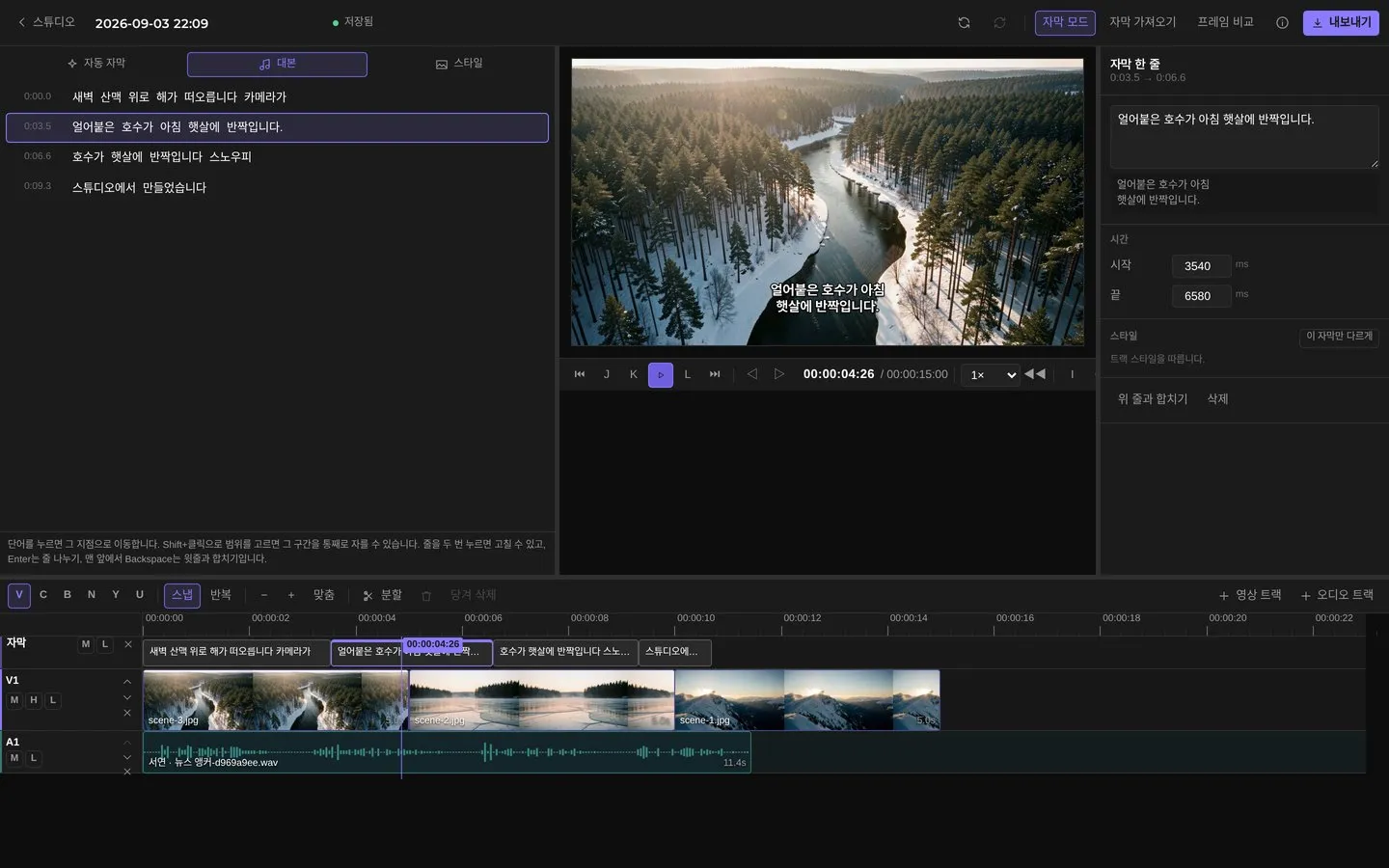
Drop generated clips straight onto the timeline. Adjust length, order, cuts and structure fast.
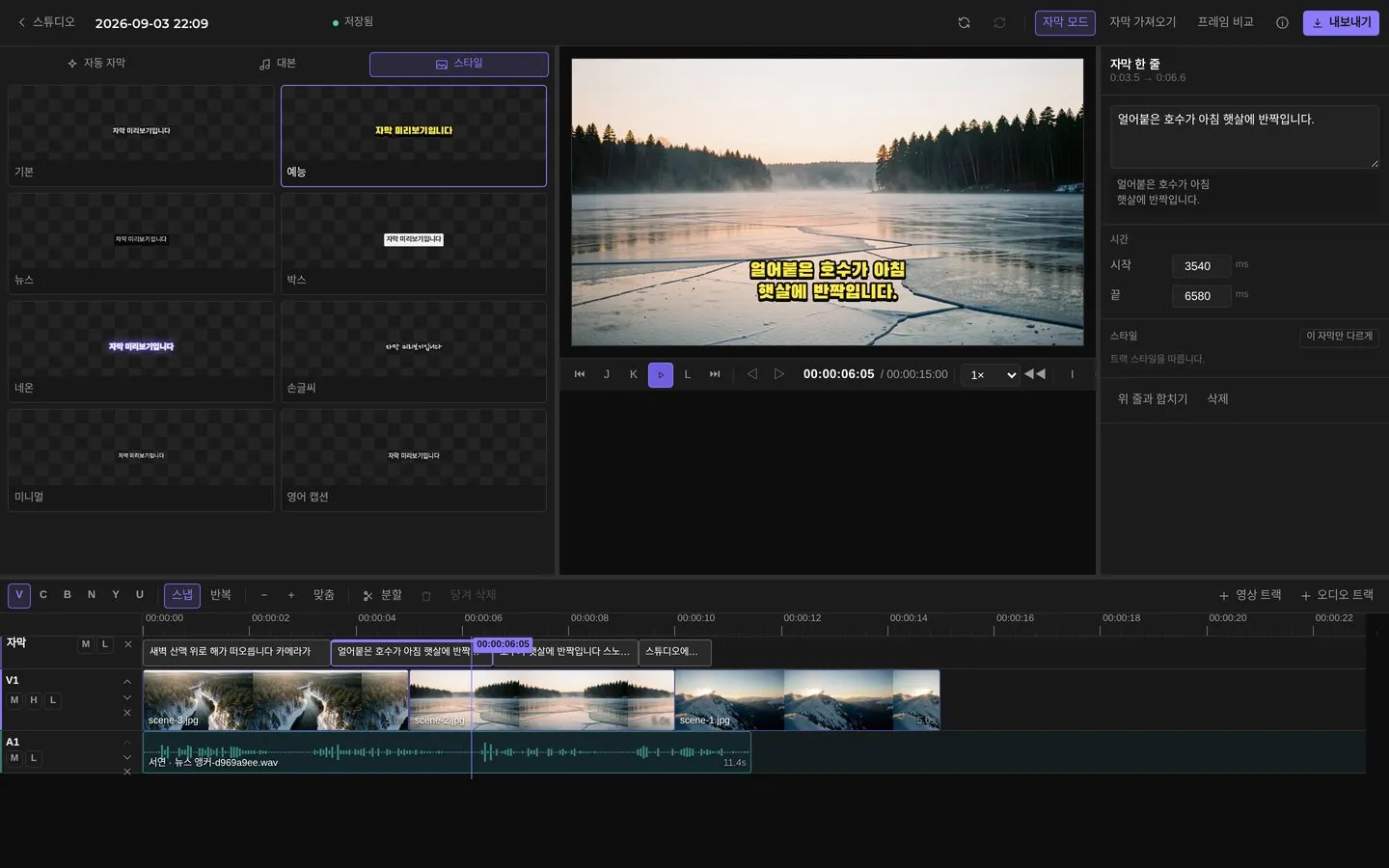
Build subtitles from your dialogue, then fine-tune position, size and style.
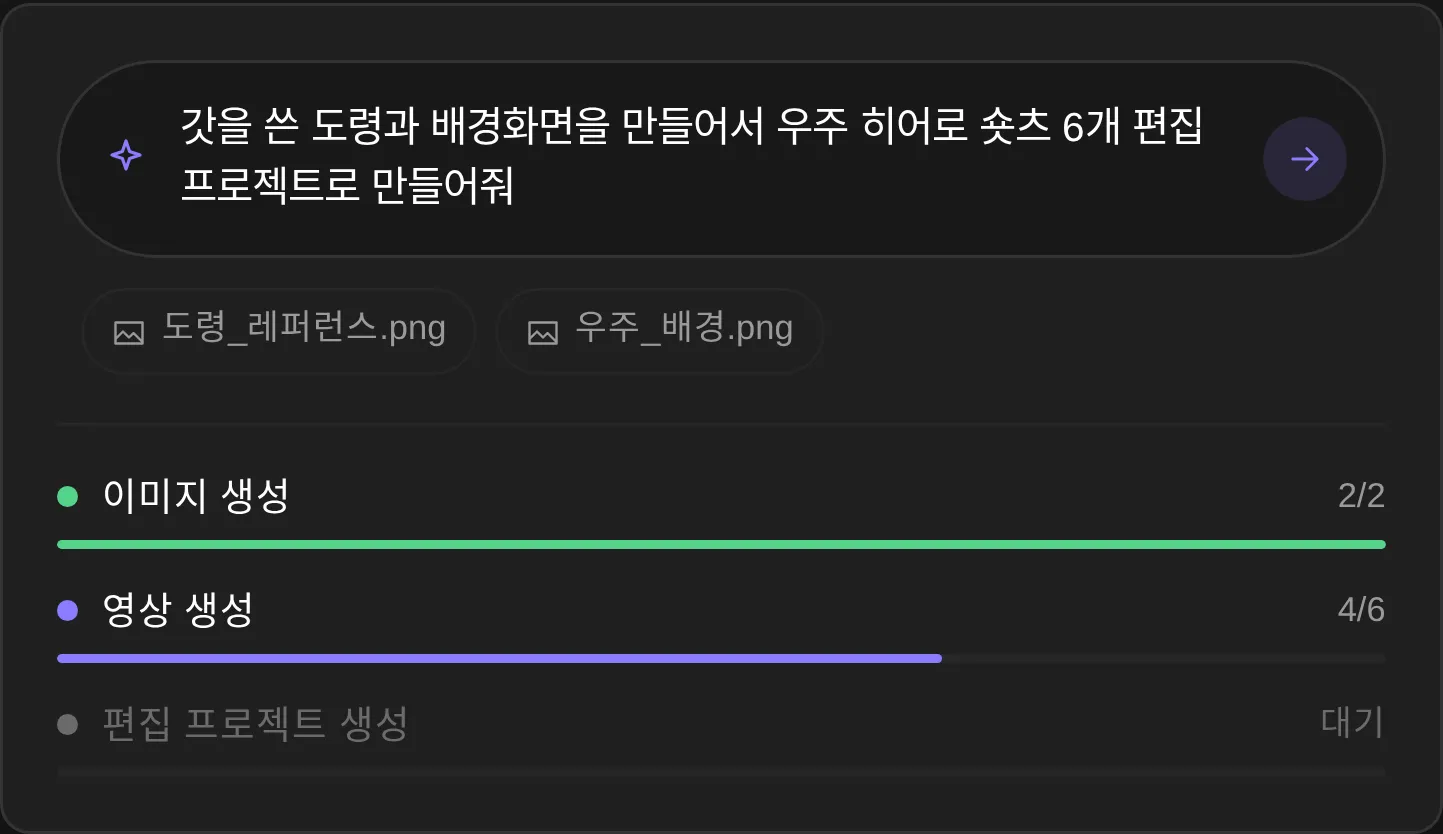
Ask in plain language: "Make a follow-up scene with the same character."
Keep generated videos, images and edit projects in one place, ready to reuse.
Timeline editing
AI agent
Ask in one sentence. The agent generates images and video, builds the edit project, and shows progress at every step.
Try asking
Workflow
No tool-hopping. The flow never breaks.
Describe the scene, characters, mood and dialogue in plain language.
Choose generation options to fit what you are making.
See every result side by side and pick the clip you want.
Arrange chosen videos and images in order and refine each scene.
Match dialogue, voice and subtitle style to the flow of the video.
Review the final video and export it in the form you need.
Why Snowpea Studio
Spend less time hopping between AI services and editors. Keep your creative context inside one project.
1
Workspace
From generation to edit
4
Video, image, voice, music
All generated in one studio
6steps
From prompt to export
A workflow without breaks
Agent
Plain-language assistance
Ask for the next step in words
Generation, editing, prompts, project management and agent suggestions in one studio.